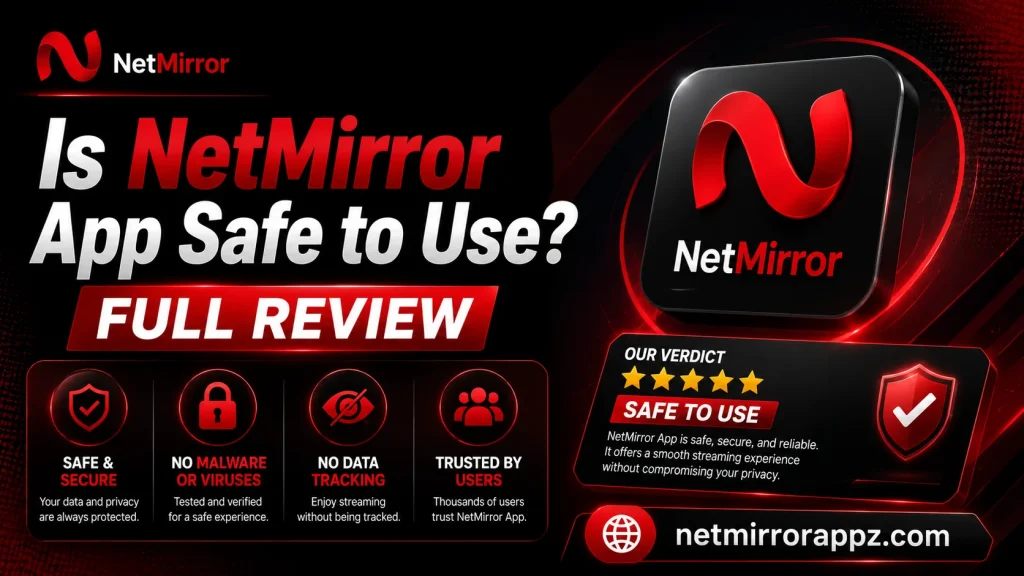
Is NetMirror App Safe to Use? Full Review
Before installing any free streaming app, most users want one simple answer: is it safe? NetMirror App has grown in popularity, and with that growth come many questions about its safety and reliability. This full review from NETMIRRORAPPZ.COM breaks down every safety aspect so you can make an informed choice.
What Makes an App Safe or Unsafe?
An app is generally considered safe when it does not collect unnecessary personal data, does not carry hidden malware, and comes from a trusted source. NetMirror App follows a simple model where it does not ask for excessive permissions during installation. This alone puts it ahead of many other free streaming tools that request access to contacts, messages, or camera without reason.
Safety also depends heavily on where the app is downloaded from. A file from an unverified website can carry risks even if the app itself is harmless. This is why the source of the download matters just as much as the app’s own design.
Permissions Required by NetMirror App
Checking app permissions is one of the easiest ways to judge safety. NetMirror App typically requests only the permissions needed for smooth streaming, such as storage access and internet connectivity. Below is a quick breakdown of common permissions and their purpose.
| Permission | Purpose |
|---|---|
| Internet Access | Required to stream content |
| Storage Access | Needed to cache and save data |
| Network State | Checks connection quality |
None of these permissions raise major red flags, since they align directly with the app’s core function. Users should stay cautious of any version that asks for permissions beyond this list.
Data Privacy and User Information
One of the biggest safety concerns for any free app is how it handles user data. NetMirror App does not require sign-up with an email or phone number, which limits the amount of personal information shared in the first place. Without mandatory account creation, there is simply less data for anyone to misuse.
Users who still want extra privacy can take additional steps, such as using a VPN while streaming. This adds a layer of protection for those who are extra cautious about their online activity. Overall, the app’s no-registration model works in favor of user privacy.
Common Safety Concerns Addressed
Many users raise similar questions when it comes to APK-based apps like this one. Here is a list of common concerns and simple clarifications:
- Does it contain viruses? Only fake or third-party copies carry this risk, not the verified file
- Does it track location? The app does not require location permissions to function
- Is payment information needed? No payment details are required at any stage
- Can it damage the phone? A verified APK from a trusted source causes no harm to device performance
Addressing these concerns directly helps users feel more confident before they hit the download button. Staying informed is the best way to avoid unnecessary worry.
How to Verify a Safe Download
Verifying the safety of a download is easier than most people expect. Users should always download directly from NETMIRRORAPPZ.COM instead of random file-sharing sites or forums. A trusted source reduces the chance of downloading a modified or infected file by a large margin.
It also helps to check file size and version details before installation, since unusually small or mismatched files can be a warning sign. Running a quick scan with a mobile security app adds another layer of confidence. These small habits go a long way in keeping the whole process secure.
Safety Tips for Long-Term Use
Beyond the download stage, users should also follow a few habits for continued safety. Keeping the app updated to its latest version ensures that any small bugs or vulnerabilities get fixed quickly. Avoiding third-party mods or cracked versions of the app also lowers the risk significantly.
Regularly clearing app cache can improve performance and reduce unnecessary data storage on the device. Users should also avoid clicking on unrelated pop-up ads that sometimes appear on unofficial mirror sites. Sticking to official channels like NETMIRRORAPPZ.COM remains the simplest way to stay protected.
How NetMirror App Compares to Other Free Apps on Safety
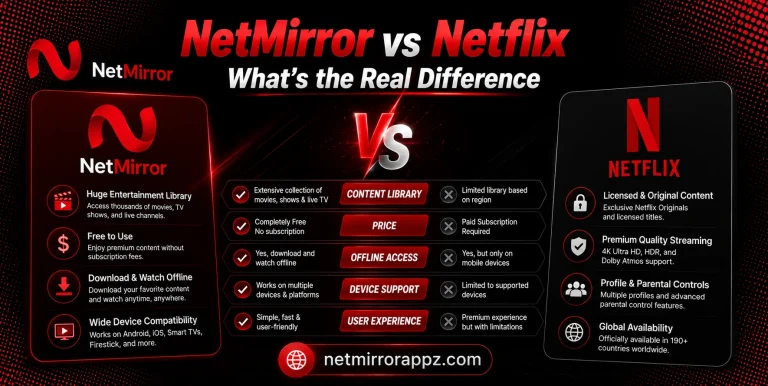
Many free streaming apps request far more permissions than they actually need, which raises legitimate safety concerns among cautious users. The table below places NetMirror App alongside a typical unverified free streaming app to highlight the difference.
| Safety Factor | NetMirror App | Typical Unverified App |
|---|---|---|
| Excessive Permissions | Rare | Common |
| Mandatory Account Creation | Not required | Often required |
| Ad Volume | Moderate | Frequently excessive |
| Source Transparency | Clear official page | Often unclear |
This kind of comparison shows why checking permission requests and source transparency matters before installing any similar app. A few extra minutes of research can prevent much bigger headaches later.
Red Flags to Watch For
Even with a generally safe app, users should stay alert to warning signs that something may be wrong with a specific download. Common red flags include:
- Unusually large file size compared to the official version
- Requests for excessive permissions unrelated to streaming
- Pop-ups appearing immediately after installation
- Download links shared through unofficial forums or messaging apps
- Version numbers that do not match the official release
Spotting these signs early can prevent a harmful installation before it even begins. When in doubt, comparing the file against details listed on NETMIRRORAPPZ.COM is the safest way to confirm authenticity.
What to Do If Something Feels Wrong
If an installed app behaves unexpectedly, such as excessive ads, unusual permission prompts, or a sudden battery drain, the safest response is immediate action. Uninstalling the suspicious version right away prevents any further risk to personal data or device performance. Running a security scan afterward helps confirm whether any residual files or issues remain.
Reinstalling a clean, verified copy from NETMIRRORAPPZ.COM is the recommended next step after removing a questionable version. Keeping a habit of checking reviews and official update logs also helps catch problems early. Staying proactive rather than reactive is the best long-term safety strategy.
Building Safe Streaming Habits
Safety is not just about the app itself but also about the habits built around using it. Reviewing permission requests before accepting them, even for trusted apps, keeps users in control of their own data. Avoiding shared or public Wi-Fi networks for downloads adds another layer of protection against interception.
Setting a reminder to check for updates every few weeks helps maintain both performance and security over time. Combining these habits with a trusted download source creates a well-rounded approach to safe streaming. Small, consistent actions add up to a much safer overall experience.
Frequently Asked Safety Questions
Users often ask a handful of recurring safety questions before trying the app.
Is It Safe to Use on a Work or Shared Device?
As long as the app is downloaded from a verified source, it does not pose any greater risk than other lightweight applications. It behaves like any standard app once safely installed.
Does the App Run in the Background After Closing?
Like most streaming apps, it may keep a small process active briefly for caching purposes, though it does not continuously track activity in the background. This behavior is standard and not a sign of hidden tracking.
Should Antivirus Software Flag the App?
A properly downloaded, verified version should not trigger legitimate antivirus warnings, though users should always double check the source if any warning appears. An unexpected flag is usually a sign to confirm the file came from NETMIRRORAPPZ.COM.
Comparing User-Reported Experiences
Looking at broader user feedback patterns can offer additional insight into real-world safety performance. Most reports about NetMirror App center on ad frequency and occasional buffering rather than serious security incidents. This pattern suggests that when downloaded correctly, the app performs as expected without major safety concerns.
Negative reports tend to trace back to unofficial download sources rather than the app itself, reinforcing the importance of using NETMIRRORAPPZ.COM as the trusted starting point. Reading recent user feedback before downloading can offer a helpful, up-to-date safety snapshot. Community awareness, combined with careful source selection, forms a strong overall safety net.
Closing Safety Perspective
Safety is rarely an all-or-nothing quality; it exists on a spectrum shaped by app design, source reliability, and user habits combined. NetMirror App sits on the safer end of that spectrum when downloaded through a verified channel and used with basic common sense. This balanced view avoids both unnecessary alarm and blind trust, giving users a realistic picture before they commit to installing it.
Approaching any free app, including this one, with informed caution rather than fear or carelessness leads to the best outcomes. Consistently choosing verified sources like NETMIRRORAPPZ.COM remains the single most effective safety decision a user can make. With that habit in place, the overall risk profile of using NetMirror App stays low.
Final Verdict
Based on its permission structure, lack of mandatory sign-up, and simple functionality, NetMirror App holds up well when it comes to safety. The main risk factor comes from downloading through unverified sources rather than the app itself. As long as users stick to trusted platforms such as NETMIRRORAPPZ.COM, the overall experience remains secure and worry-free.